
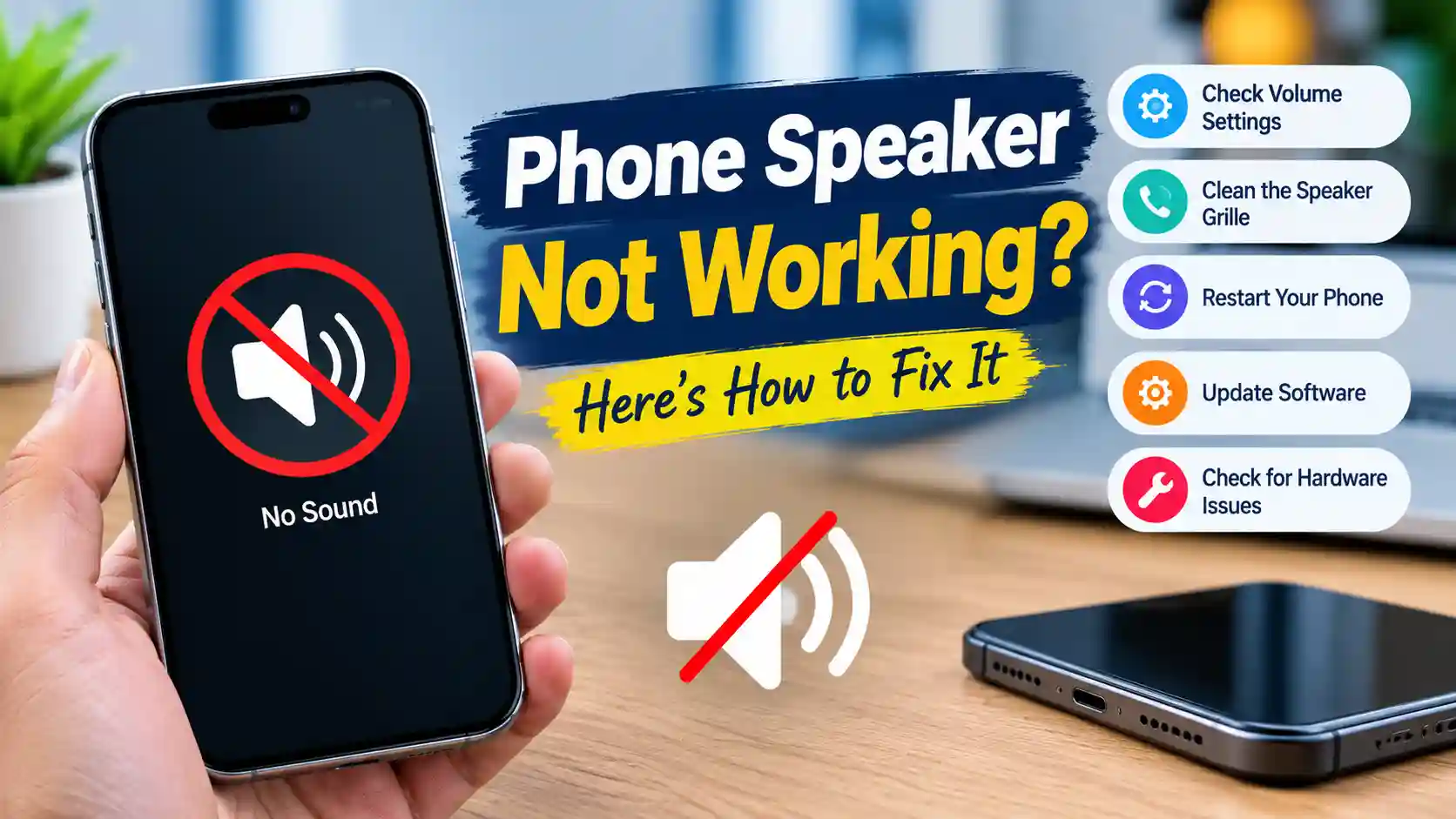

Meta description: Phone speaker quiet, crackly or muffled? Run these 5 free checks to tell a blocked speaker from a broken one before you pay for a repair.
A phone speaker that suddenly sounds weak feels like a hardware failure. Often it isn’t. Repair shops regularly see phones where the “broken” speaker just needed a setting changed or a grille cleaned. A speaker replacement can cost anywhere from a small fee to a large one depending on the model, so a few minutes of checking is worth it.
Work through these five checks in order. Each one rules out a common cause.
Check 1: Rule out settings and software
Start with the free stuff:
- Turn off Bluetooth. Your audio may be going to earbuds or a car in another room.
- Check the volume limit (iPhone: Settings > Sounds & Haptics > Headphone Safety; many Android phones have a similar media volume limiter).
- Turn off Do Not Disturb and any focus mode, then test with media volume rather than ringer volume.
- Restart the phone. A stuck audio service can make a healthy speaker go silent or quiet.
If sound comes back after any of these, your speaker was never the problem.
Check 2: Measure, don’t guess
Our ears adjust fast. After a few days of listening to a muffled speaker, it’s hard to say whether it really got quieter or how much. A number settles it.
Use a second device, like a laptop or another phone, as a meter. Open an online sound meter on it, then play the same song on your phone at full volume, about 30 cm away. Note the reading. If you have a friend’s phone of the same model, measure it the same way. A difference of 5 decibels or more is easy to hear and usually means something is blocking the sound.
Save that number. You’ll use it again after cleaning to see whether anything actually improved.
Check 3: Look at the grille
Turn on a flashlight and look closely at the speaker holes on the bottom edge and the earpiece slot at the top. Pocket lint, dust, makeup and dried gunk build up there slowly. Even when the holes look only a little grey, the fine mesh behind them can be mostly blocked.
If you see buildup, that’s very likely your answer.
Check 4: Clean it properly
Cleaning a phone speaker is easy, but the wrong tools cause real damage. Here’s the safe way:
- Power the phone off and remove the case.
- Brush the grille gently with a soft, dry toothbrush, holding the phone speaker-side down.
- Press a small piece of painter’s tape or reusable putty onto the holes and peel it off to lift fine dust.
- Turn the phone back on and play a dust-clearing tone. A speaker dust cleaner plays fast frequency sweeps that make the speaker vibrate and shake loose particles from inside the mesh.
- Repeat the brush and tone once more if sound is still dull.
Never use pins, needles, or compressed air held close to the grille. They can puncture the mesh or the speaker membrane, which turns a cleaning job into a real repair.
Now measure again with the sound meter, same song, same distance. A jump of 3 dB or more is a clear, audible improvement.
Check 5: Listen for the type of problem
If cleaning didn’t fix it, the kind of sound you hear tells you a lot:
| What you hear | Likely cause | What to do |
|---|---|---|
| Quiet but clean | Blocked grille or volume limit | Clean again, recheck settings |
| Muffled, “underwater” | Moisture inside | Dry for 24 hours, then retest |
| Crackling at high volume only | Debris or slight wear | Clean; lower volume a step |
| Crackling at every volume | Damaged speaker cone | Repair likely needed |
| Rattling or buzzing | Loose part or torn membrane | Repair likely needed |
| No sound at all, even after restart | Speaker or connector failure | Repair needed |
A test tone helps here. Play a low tone, then a mid tone, then a high one. A healthy speaker sounds clean across all three. A damaged one usually distorts on the low tones first.
When it’s time for a repair
If the speaker crackles or buzzes at every volume after cleaning, if there’s no sound at all, or if the problem started after a hard drop, it’s time for a technician. You’ll go in knowing exactly what’s wrong, with before-and-after measurements to show them. That makes it harder to be sold a repair you don’t need.
The bottom line
Most “broken” speakers are blocked speakers. Check settings, take a measurement, clean the grille the safe way, and measure again. If the number goes up, you just saved yourself a repair. If it doesn’t, you’ll know it’s a real fault and can get it fixed with confidence.







Pingback: Beautiful Family Synonyms: 45+ Handpicked Words 2026 💖